Editorial guide · NSFW AI Studio · updated September 2026

NSFW AI Prompts Framework

Strong adult-image prompts are ordered visual briefs. Define the fictional adult, setting, camera, light, finish, mood, and exclusions as separate blocks so every generation is easier to diagnose and refine across the generator options we reviewed.

adult character+setting+composition+light+style+mood+exclusions
AI-generated nude adult editorial figure
AI-generated editorial illustrationSynthetic adult composition study; not vendor output.
01

The seven-part prompt formula

Structured NSFW AI prompts behave like a production brief. Put stable identity information first, scene and framing second, atmosphere third, and negative constraints last. Keep each block concrete. The order gives you a practical editing system: when the crop fails, change composition; when the subject drifts, change identity or the platform’s character controls.

A

Character and adult identity

Begin with a fictional character and an unambiguous adult age. Add only traits needed for recognition: hair, facial structure, build, wardrobe direction, and one or two distinctive details. Avoid names or features that imitate a real person. If the tool offers a saved-character profile, keep permanent identity there and reserve the prompt for the current scene. Stable traits should use the same wording across batches; unnecessary synonyms can make the model treat one character as several loosely related versions.

B

Setting and composition

Name the environment, time, shot size, camera angle, subject placement, and focal point. “Private interior, waist-up portrait, eye-level camera, centered subject, shallow depth of field” is more controllable than a list of moods. Add aspect-ratio intent when the product supports it: portrait for a character study, landscape for an environmental scene. Describe only objects that affect the story or balance of the frame. A shorter scene with one clear focal relationship is easier to refine than a room crowded with decorative requests.

C

Light, style, and mood

Specify one primary light source, its direction, softness, color temperature, and contrast. Then choose a finish such as cinematic photography, editorial realism, illustrated anime, or painterly fantasy. End with a restrained mood. Too many style references compete; one coherent visual language produces a cleaner baseline for later refinement. Treat lens, grain, texture, and palette as supporting details, not substitutes for composition. If the result feels flat, change the light block before adding another unrelated style label.

Reusable structure

[fictional adult character, clearly adult age] · [setting and time] · [pose or action] · [shot size, angle, focal point] · [light direction, quality, color] · [single visual style and finish] · [mood] · avoid: [short artifact list]

02

Three adaptable prompt examples

These non-graphic examples show how the same structure changes with the visual job. Each one emphasizes a different control decision. Replace the bracketed scene details with lawful adult content permitted by the current platform; keep the identity, composition, and safety boundaries intact.

01

Editorial realism

“Fictional 28-year-old adult character, [private interior and scene detail], three-quarter portrait, eye-level camera, subject on the right third, soft window key light from camera left, subtle warm practical light, editorial photography, natural skin texture, restrained cinematic mood; avoid duplicate limbs, text, logos, severe blur, age ambiguity, real-person likeness.” This version prioritizes believable light, a deliberate crop, and a finish that leaves room for later color adjustment. On the next pass, change camera distance before changing the character description.

02

Illustrated character scene

“Fictional 30-year-old adult character, [fantasy setting and scene detail], full-body composition, low camera angle, clear silhouette, moonlit rim light with one warm foreground source, polished anime illustration, controlled line work, saturated jewel palette, confident mood; avoid childlike proportions, school coding, extra fingers, merged objects, text, watermarks.” This version moves identity and adult clarity ahead of style, then uses silhouette and lighting to organize a more complex environment. Simplify background objects first if the scene becomes visually crowded.

03

Consistent companion portrait

“Saved fictional adult character profile, age 32, preserve established hair, face, and body traits, [new location and wardrobe direction], waist-up portrait, eye-level camera, centered gaze, diffused studio key light, clean photographic finish, calm intimate mood; avoid identity drift, changed eye color, new tattoos, duplicate accessories, text, logos.” Keep permanent traits in the product’s character controls when possible, and change only the scene block between iterations so continuity remains measurable. Treat any unexpected identity change as a failed batch, even when the finish looks polished.
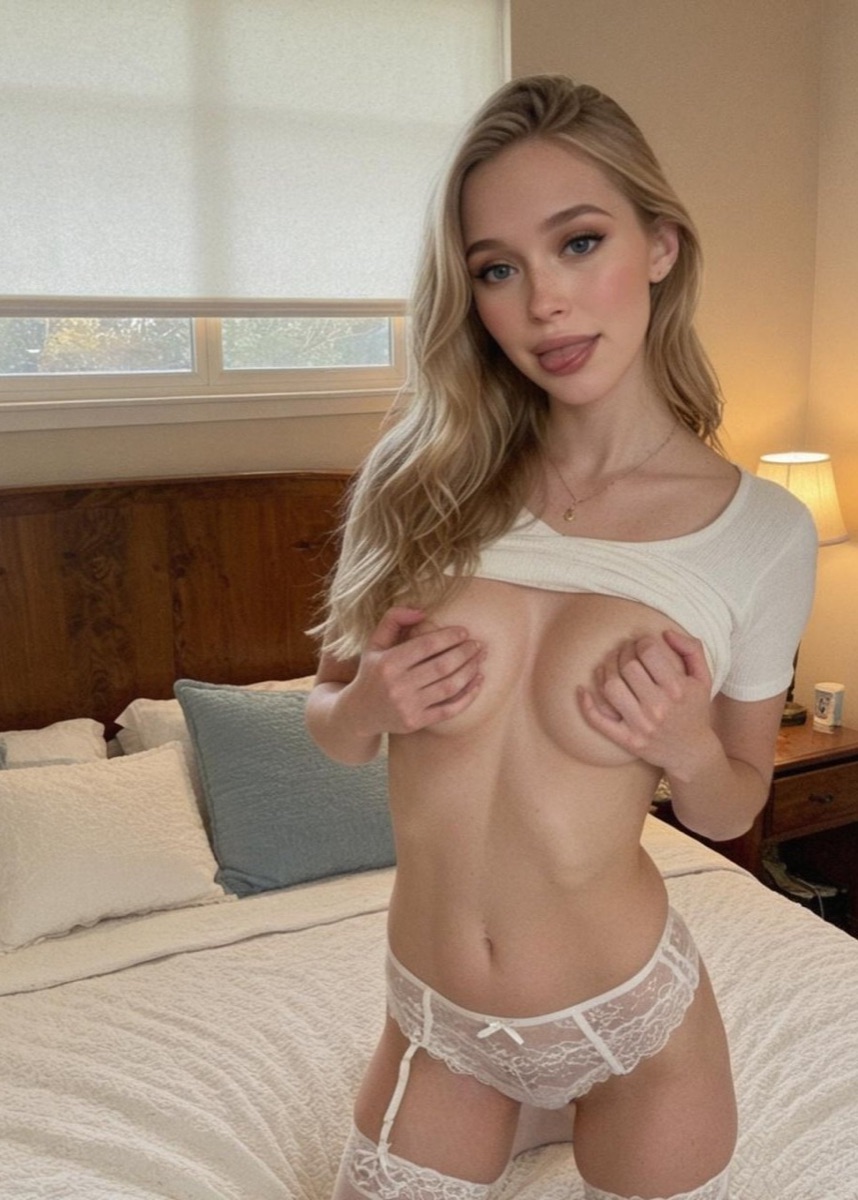
03

Start with adult clarity

Every prompt should establish a fictional and clearly adult subject before visual details. Use an explicit adult age rather than vague language such as “young-looking.” Remove school settings, youth-coded clothing, and ambiguous descriptors. The rendered result also has to read as adult; a safe sentence does not excuse an age-ambiguous image. Reject and delete any output that creates doubt. Adult clarity is a visual acceptance test, not a decorative phrase added to otherwise conflicting cues. Keep that boundary visible in every revision.

Never use adult-image prompts to imitate an identifiable person without informed authorization. A celebrity name, private photograph, social profile, or look-alike instruction creates consent and likeness risks even when the surrounding scene is fictional. If the tool supports reference uploads, check its current privacy, retention, deletion, and rights rules before providing any file.

04

Direct the camera

Composition controls more of the result than another paragraph of adjectives. State the shot size—close portrait, waist-up, three-quarter, or full-body—then set camera height and angle. Add where the subject sits in the frame and what should remain visible around them. One focal point helps the generator prioritize; several equally important focal points often create clutter.

Match orientation to the intended use before generating. A vertical frame gives a character room while a wide frame can establish environment and narrative. If hands or feet matter, include enough spatial context for them instead of forcing a tight crop. When an image cuts off badly, adjust framing or aspect ratio first rather than rewriting the character.

05

Use negative constraints sparingly

A negative list should block known failures, not become a second prompt. Start with a few categories relevant to the batch: extra limbs or fingers, duplicated subjects, unwanted text, logos, watermarks, severe blur, or a specific crop failure. Product syntax varies, so verify whether the tool has a separate negative field, accepts plain-language exclusions, or uses weighted tokens.

Long generic lists can conflict with the positive brief and make diagnosis impossible. Prefer “avoid visible text and duplicate fingers” to a page of unrelated bans that contradict the scene. If a problem never appears, remove its exclusion. If one artifact persists, move that constraint higher, simplify the pose, or test another model. Never use a negative field as a workaround for age ambiguity; adult clarity belongs in the positive subject definition and in the final visual review.

06

Troubleshoot by symptom

Treat failed output as evidence. Identity drift calls for fewer conflicting traits, a saved character, consistent seed, or a permitted reference workflow. Broken anatomy may improve with a simpler pose, clearer camera distance, or a model designed for the chosen style. Flat lighting needs a single source and direction. A busy scene needs fewer objects and one dominant focal point.

Wrong cropChange shot size, aspect ratio, and visible body area.
Identity driftLock stable traits; change only the scene block.
Style conflictChoose one finish and remove competing references.
Persistent artifactsSimplify the pose, then add one targeted exclusion.

Good NSFW AI prompts make this loop observable. Save the prompt version and settings, name one intended change, and compare a small batch. If the same defect survives several controlled passes, stop spending credits on repetition. Switch model, revise the underlying composition, or choose a generator whose documented controls better match the task.

07

Adapt the structure to the tool

The seven-part framework is portable; syntax is not. One NSFW AI generator may expose pose, character, style, and negative settings as separate controls, while another expects them inside a single prompt. Weighting, seeds, reference images, image-to-video steps, credit costs, and moderation rules vary. Read the current official interface and terms before assuming instructions from another platform will work.

Start with the structure, create a small batch, and change one field at a time. Keep the subject fictional and unmistakably adult, reject unsafe or age-ambiguous output, and verify rights before downloading or sharing. If you still need a platform, return to our independent evidence-led comparison.

Independent editorial framework · one evidence standard for every service.